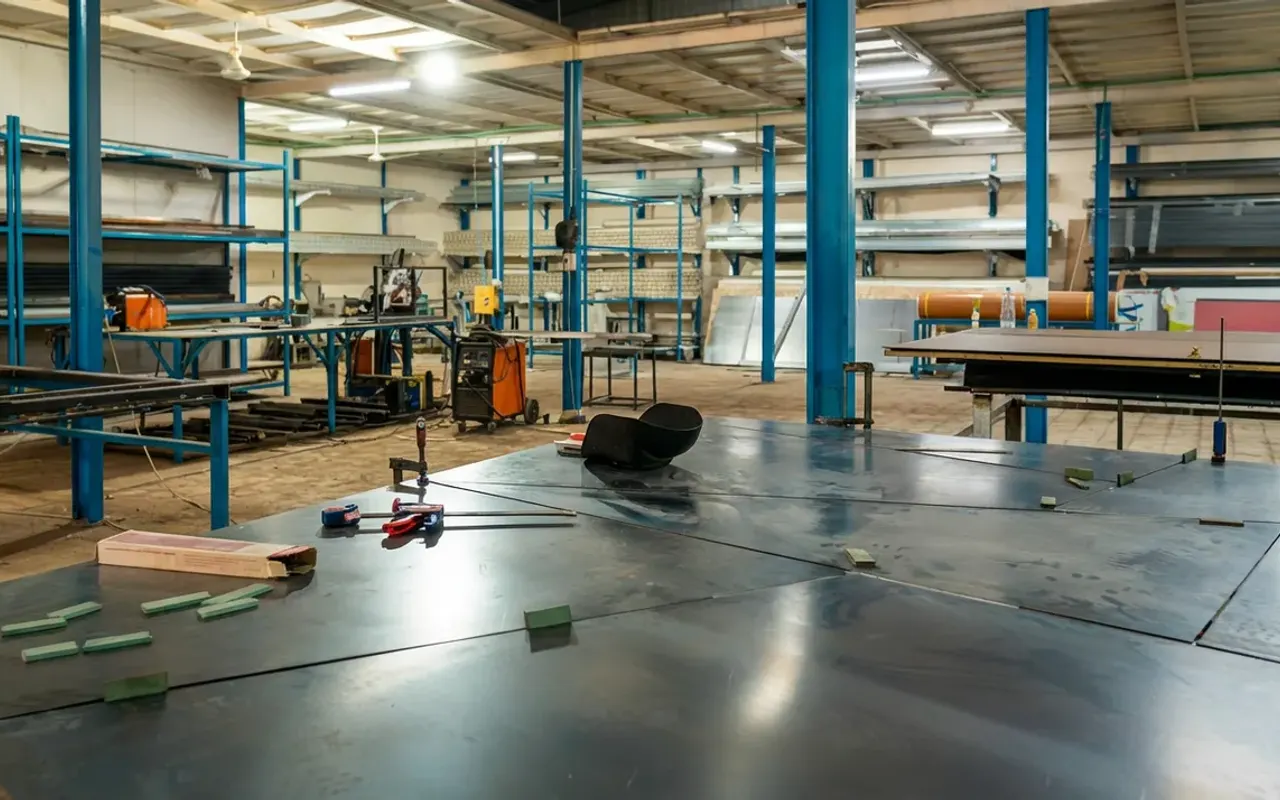
Keep the approved scope at hand
Handover is the point where an installed system becomes part of everyday use. Before the demonstration, have the approved drawing and specification available. Compare the installed arrangement with the agreed scope, including finishes, controls and accessories.
If something differs, record it for discussion with the project team. An observation list is easier to resolve when it identifies the location and the issue clearly. High Tech Hub’s methodology links technical assessment and design approval to installation, training and documented handover.
For the available system options, explore our Our architectural systems.
From assessment to after-sales support
01Technical assessment
Study the site and operating requirements before defining the scope.
02Design and approval
Review the drawings and technical specifications with the client.
03Matching procurement
Supply the materials specified in the approved project documents.
04Installation
Coordinate the system installation and surrounding site interfaces.
05Training and handover
Demonstrate operation and provide operating and maintenance documents.
06After-sales support
Confirm the service arrangements stated in the project scope.
Request a demonstration for the actual users
Ask the team to demonstrate the installed system through its normal operating sequence. For a door, that may include opening, closing and locking. For shutters or a powered roof, it includes the agreed controls and the operating instructions for that model.
Include the people who will use the system day to day. Ask them to repeat the normal controls while the team is present and explain any questions. If backup operation or sensors are included, request a demonstration or explanation of the specified arrangement.
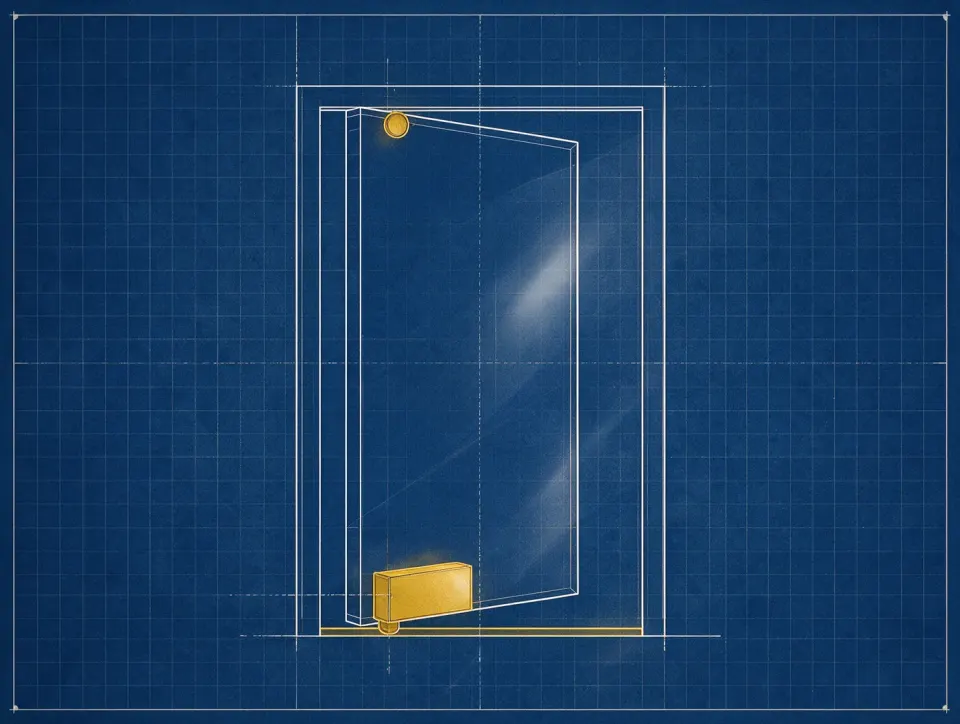
Collect operating and maintenance instructions
Ask for the relevant operating and maintenance documents and keep them accessible. Confirm how cleaning should be carried out, which service points must remain accessible and which work should be performed by the service team. Instructions must relate to the installed system.
For a property with several systems, label the records by location. A room or entrance reference, product identification and installation documents help a future service enquiry reach the right equipment. Do not substitute generic online instructions for the supplied product documentation.
Record unfinished work and responsibility
Walk through the installation with the team and record any agreed adjustments or remaining work. Include the responsible contact and the intended next step. Distinguish an installation adjustment from surrounding building work so each issue reaches the appropriate contractor.
Confirm that controls and accessories listed in the scope have been handed over. If another contractor is completing electrical work, cladding or adjacent finishes, coordinate the remaining interfaces before treating the entire project as complete.

Know how to request support
Keep the service contact details with your handover records. When reporting an issue, share the system location, a description of what happened and photographs where useful. Tell the service team about any recent changes to surrounding finishes or electrical work.
Ask for the written support and warranty terms that apply to your own project. High Tech Hub’s company profile includes after-sales support in its delivery approach, but the applicable scope and conditions should be taken from the project documents. Agree these details rather than relying on a general article.
Your project checklist
Tick off what you have prepared before contacting the project team.
Discuss your project
Share photographs, drawings and operating requirements with High Tech Hub to start assessing the project scope.